Use Disposable / Temp Email for Free: Your 2026 Guide to a Cleaner, Calmer Inbox
You sign up for one free trial, and a week later your inbox feels like a flea market. Newsletters, “last chance” offers, partner promos, and a slow drip of marketing emails you never asked for. It is exhausting, and it is also avoidable. A free disposable email — also called a temp email, throwaway email, or burner inbox — gives you a clean way to access trials, downloads, and sign-ups without handing over your real address.
This guide walks you through what disposable email is, when to use it, and how to use it well. By the end, you will have a simple, repeatable habit that protects your real inbox and gives you back a sense of control.
What Is a Disposable or Temp Email?
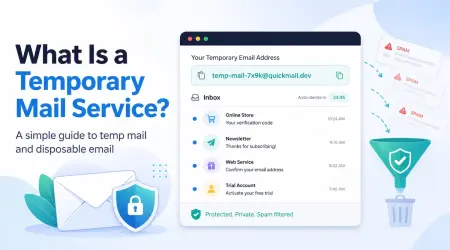
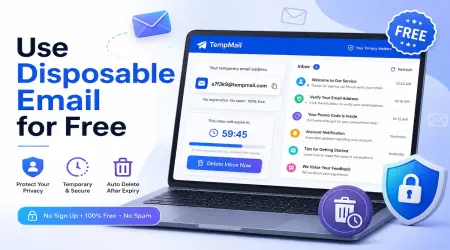
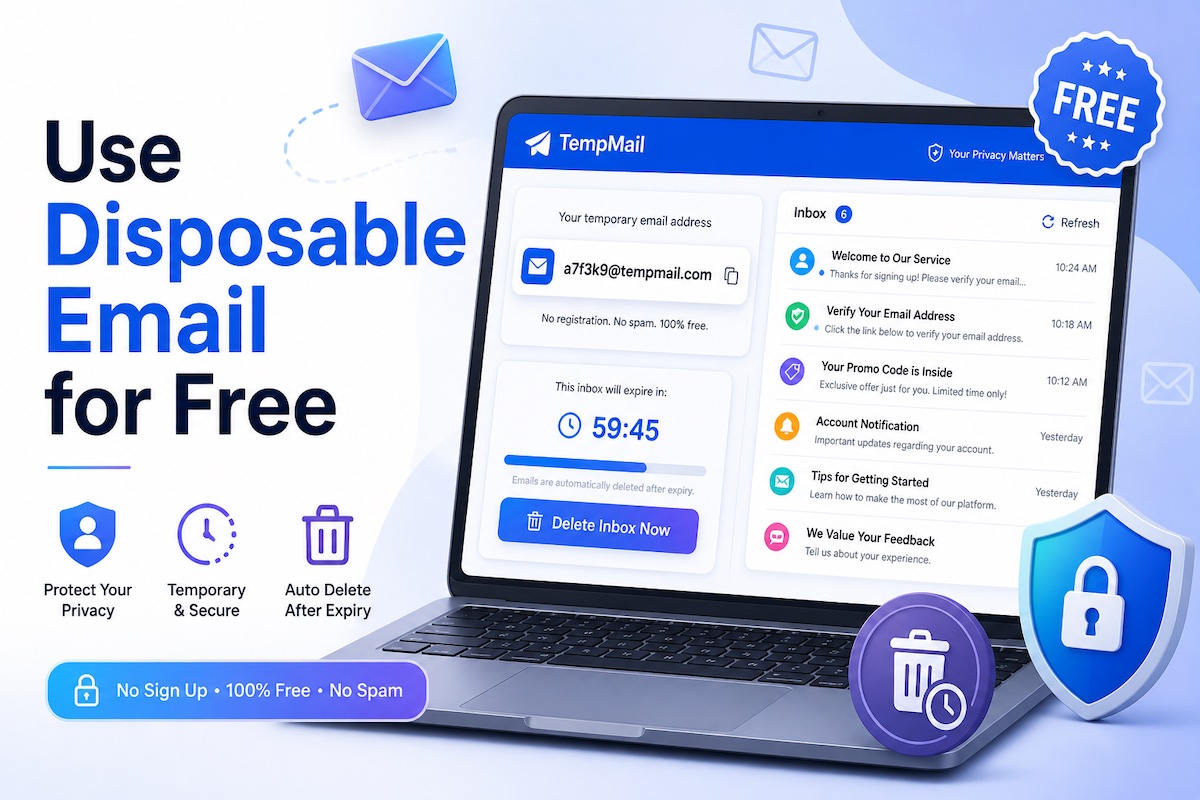
A disposable email is a free, short-lived inbox you can use instead of your real one. You open a service like TemporaryMailService.com, and a working email address appears in seconds. No registration. No phone number. No personal details.
You copy the address, paste it into a sign-up form, and check the inbox right on the page. Verification links and one-time codes arrive in real time. After a set window — often 10 minutes to 24 hours, sometimes longer — the address and any messages disappear on their own.
People also call these inboxes throwaway email, burner mail, fake email generator, 10-minute mail, or trash mail. The names differ, but the idea is the same: receive what you need, then walk away clean.
Why Free Temp Email Matters More in 2026
Email leaks are not rare events anymore. They are the background noise of the internet. The Identity Theft Resource Center recorded 3,322 data compromises in 2025, a record high, and 88% of people who got a breach notice reported some negative fallout, like a spike in spam, robocalls, or phishing. In one separate dataset, threat researchers aggregated 2 billion unique email addresses pulled from credential-stuffing lists during 2025.
Spam itself keeps climbing too. Industry trackers estimate that nearly half of all global email traffic is spam, and AI-written phishing messages have grown more than 4,000% since 2022. Gmail alone now blocks over 99.9% of spam, phishing, and malware before it reaches inboxes.
Here is the simple truth behind those numbers: every site that holds your real email becomes a future risk. So the smartest move is to share your real address less. A free temp email lets you do exactly that. You get the trial, the download, the coupon, or the verification code, and the company you do not fully trust never sees your personal address.
This is not a niche habit anymore. Researchers at BulkEmailChecker say roughly 12% of all online form submissions in 2025 used disposable addresses. Temp-Mail.org alone pulls in more than 46 million monthly visits. People want their inboxes back, and they are voting with their clicks.
How to Use a Free Temp Email in Three Quick Steps
You do not need a guide ten pages long. The whole process takes under a minute on TemporaryMailService.com.
Step 1: Open the temp email page. A random address loads automatically at the top of the screen. It looks like a normal email address and works like one too.
Step 2: Copy the address and paste it into the sign-up form. Use it on the trial page, the newsletter signup, the forum, or the download gate.
Step 3: Check the on-page inbox. New messages appear in real time. Click the verification link or copy the one-time code. Done.
When you finish, just close the tab. The inbox quietly expires on its own. No unsubscribe wars, no follow-up emails, no spam two months later.
When a Free Temp Email Saves You Time, Money, and Spam
Temp email is not for your bank, your taxes, or your personal contacts. It shines in low-stakes, high-friction moments. These are the everyday situations where it earns its place.
Free Trials and Demo Sign-Ups
Streaming services, design tools, AI apps, and SaaS platforms love free trials. They also love your inbox afterward. With a disposable address, you sign up, test the product fully, and walk away if it is not the right fit. The “your trial is ending” reminders, the “come back, we miss you” pitches, and the 14-month marketing drip all land in an inbox you no longer use.
One important note: a temp email protects your inbox, not your wallet. If a trial requires a credit card, set a calendar reminder a day or two before it ends. The temp address will not stop a charge — only canceling will.
Downloads, Newsletters, and Coupon Forms
Want a free e-book, a template, a discount code, or a piece of software? Most sites lock these behind an email gate. A disposable address gets you through the door without trading your real inbox for a 5% off coupon.
Forum, Wi-Fi, and Wiki Registrations
Public Wi-Fi at airports and cafés often asks for your email. So do many forums and niche wikis. You probably do not want any of those messages. A temp inbox lets you say yes to the form and no to the spam.
App Testing and Developer Workflows
If you build software or test it, you know the pain. You need fresh inboxes for sign-up flows, password resets, and OTP verification. A free disposable email service gives you unlimited test accounts without polluting your work email or juggling fake Gmail profiles. Tools like Mailinator are built precisely for this kind of QA work, and most modern temp services support real-time delivery and even API access.
Online Shopping and Loyalty Programs
Loyalty cards, store newsletters, and one-off purchases pile up fast. Use a disposable address at checkout when you only plan to buy once. You still get your receipt and tracking link in the on-page inbox, and your real address stays out of yet another marketing list.
How to Sign Up for a Free Trial With a Temp Email
Free trials are the most common reason people reach for disposable email, so let’s walk through the exact flow. The example below uses any 14-day trial, like a new design app or a productivity tool.
- Open TemporaryMailService.com in one browser tab. A free temp email address appears at the top.
- Open the trial sign-up page in a second tab. Click “Start free trial” or “Try it free.”
- Copy your temp email and paste it into the email field.
- Set a strong, memorable password. Write it down. You will not be able to reset it once the temp inbox expires.
- Submit the form, then switch back to your temp inbox tab.
- Open the verification email and click the confirmation link.
- Use the product for the full trial window.
- Set a calendar reminder for one to two days before the trial ends.
- Decide before the deadline. If you love it, log in, change the email in account settings to your real one, and continue with a paid plan. If you do not, cancel the subscription. Either way, future marketing will land in a dead inbox you no longer check.
That is it. You get the same product evaluation, none of the long-term inbox tax.
What to Look For in a Free Temp Email Service
Not every temp email tool is built the same. When you pick one, look for a few simple signals that mark the difference between a clean tool and a frustrating one.
- Instant access with no signup. The page should load with a working address ready to copy.
- Real-time inbox updates. Verification codes are time-sensitive, so you want messages to appear within seconds.
- A reasonable lifespan. Ten minutes is fine for a one-off OTP, but 24 hours or more is better for trials and onboarding emails.
- Multiple domains. Some sites block known temp domains, so a service with a rotating pool gives you backup options.
- HTTPS encryption and no IP logging. Your data should travel safely and not stick around afterward.
- Clean interface, minimal ads. A focused page is faster, safer, and easier to use on mobile.
- Optional address customization. Picking your own prefix can help you remember which inbox is which.
If a temp email service is missing two or three of these, move on. There are plenty of strong free options.
Where Free Temp Email Has Its Limits
A disposable address is a tool, not a magic shield. Use it for the right jobs and skip it for the wrong ones.
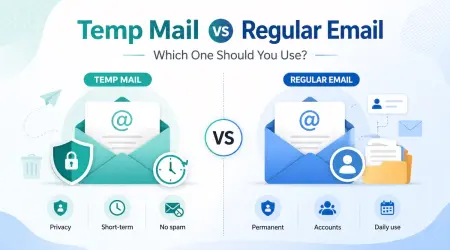
Skip temp email for anything you might need to recover later: banking, healthcare portals, government services, work accounts, and primary social profiles. If you lose access to the inbox, you lose your password reset path too.
Some sites — banks, airlines, and certain government portals — block disposable domains by design. If you hit a block, switching to another domain often works, or you can simply use your real address for that one trusted site.
Finally, temp email does not encrypt your messages. For sensitive conversations, pair it with a privacy-focused provider like Proton Mail or Tutanota, or use an alias service that forwards to your real, encrypted inbox.
Quick Tips to Get the Most From Your Free Temp Inbox
A few small habits make disposable email feel almost effortless.
- Keep the temp inbox tab open until you finish verifying. If you close it too early, you may lose access to the message.
- Copy the verification code or click the link quickly. Many codes expire in 5 to 15 minutes.
- Save the password somewhere safe if the account might matter later, even briefly.
- Use one disposable address per service. That way, if spam ever appears, you know exactly who leaked or sold the data.
- Pair it with a strong primary inbox setup. Two-factor authentication, a password manager, and unique passwords on your real accounts give you a sturdy base layer.
- Check Have I Been Pwned every few months. It is free, fast, and shows you which old breaches still touch your real email.
Frequently Asked Questions
Is using a free temp email legal?
Yes. Temp email is legal in the United States, the United Kingdom, the EU, and most of the world. People use it every day to dodge spam, test apps, and protect their privacy. Just follow each site’s terms of service.
Can I send emails from a temp email address?
Most free services only let you receive. A few, like Guerrilla Mail, allow outbound messages. If you need to reply, an email alias service such as SimpleLogin or addy.io may suit you better.
Will websites notice I am using a temp email?
Some will. Banks, big social platforms, and certain SaaS tools block known disposable domains. If one rejects your address, switch domains or use your real email for that specific site.
How long does a temp inbox last?
It depends on the service. Lifespans range from 10 minutes to 24 hours, with some tools letting you keep an inbox active longer if you save an access token. TemporaryMailService.com keeps yours active long enough to handle trials and onboarding without rushing you.
Is free temp email truly free?
Yes. The core service costs nothing, with no hidden tier needed for everyday use. Premium plans exist for developers and teams who want APIs, custom domains, or higher volumes, but a regular user never has to pay.
Ready to Take Back Control of Your Inbox?
Your inbox should feel like a workspace, not a junk drawer. Every time you reach for a free temp email instead of your real one, you take a small piece of that workspace back.
Try it once today. The next time a site asks for your email — for a trial, a download, a coupon, or a forum — open TemporaryMailService.com, grab a free disposable address, and finish the sign-up in under a minute. Then watch what does not show up in your real inbox over the next few weeks. That quiet is the whole point.